










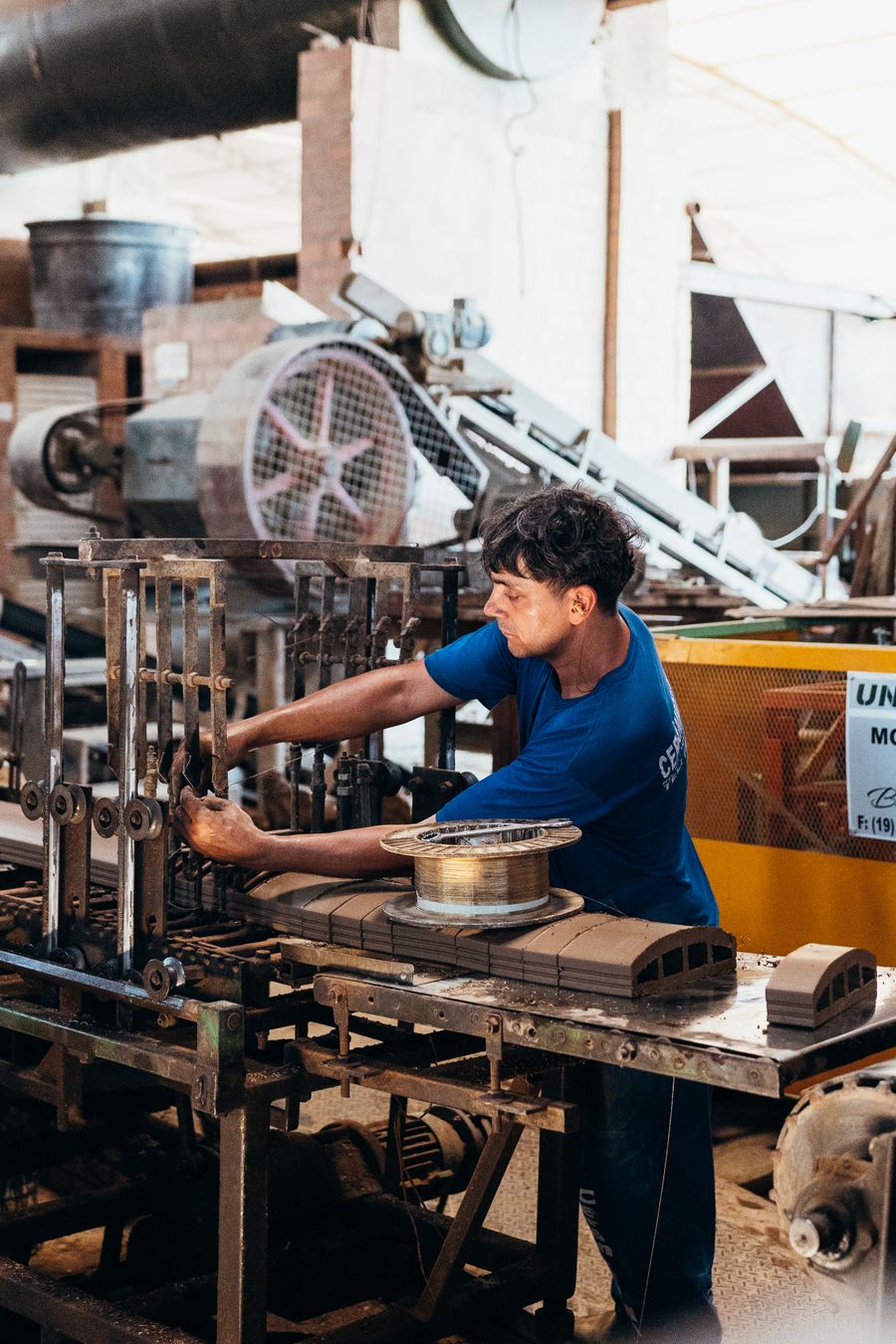
On the second shift at a small machine shop, an operator is setting up a job that runs twice a year. The setup sheet in the binder is two revisions old, the fixture photo is missing, and the day shift lead who knows the job by heart went home at three. The operator has three options: call the lead at home, make an educated guess, or park the machine and work on something else until morning. All three are common, and all three cost money.
Most small manufacturers have more documented knowledge than they think. Work instructions, setup sheets, quality procedures, customer specifications and machine manuals exist somewhere. The problem is that they're scattered across binders, shared drives, the ERP and people's heads, and none of it can be found quickly by someone standing at a machine with gloves on.
This article covers how to get your documents into a state where they can be trusted, and what a plain-English knowledge assistant on the shop floor does once they are.
What hard-to-find instructions cost
The costs show up in several places, few of which are tracked. Setups take longer when operators have to hunt for information or wait for someone to answer a question. First-article inspections fail more often when a setup was done from memory or an old revision. Experienced leads and engineers get interrupted constantly, which slows down the work only they can do. New hires take longer to become productive because so much of what they need to learn is unwritten.
There's also a longer-term risk. In many shops, a handful of experienced people carry most of the practical know-how for older jobs and older machines. When one of them retires or leaves, that knowledge goes with them unless it's been captured in a form someone else can use.
Fix the documents before you automate access to them
A knowledge assistant that answers from out-of-date or contradictory documents is worse than none, because it gives wrong answers with confidence. The groundwork matters more here than in almost any other automation project.
Take an inventory
List the document types the floor actually uses: work instructions, setup sheets, inspection plans, standard operating procedures, safety procedures, customer specifications and drawings, machine manuals and maintenance procedures. For each, note where it lives today and who owns it.
Pick one controlled home
Choose a single place for current, approved documents, whether that's SharePoint, Google Drive, your ERP's document module or a quality management system. Every document should carry a revision number and an owner. Old revisions should be archived where the floor can't stumble on them. If you're working to ISO 9001 or a customer's quality requirements, your document control procedure probably already says this; the job is making the reality match it.
Capture what's only in people's heads
For the jobs and machines that depend on one or two people, sit them down with a phone and record them explaining the setup, the quirks and the things that go wrong. A ten-minute recording, a few photos and an hour of tidying can become a usable work instruction. Start with the jobs that cause the most questions, scrap or delays.
Standardize the format
Work instructions are easier to follow and easier for software to search when they share a structure: part and operation, tooling and fixtures, setup steps with photos, key dimensions and tolerances, inspection points, and known problems. You don't need to rewrite everything at once. Use the standard format for every new or revised document from now on.
What the knowledge assistant does
Once the controlled documents are in order, an assistant can make them answerable from the floor:
- It reads only approved documents. The assistant indexes the current revision of each controlled document and nothing else. When a document is revised, the index updates; when it's withdrawn, it disappears from answers.
- Operators ask in plain language. From a tablet at the machine, a phone or a terminal, an operator types or speaks a question such as "What's the clamping torque for part 4471, operation 20?" or "Which insert do we use for the finishing pass on the stainless brackets?"
- Answers come with sources. The reply quotes the relevant part of the document, names the document and revision, and links to it, including photos and drawings. The operator can check the source in one tap.
- It knows the job. Where the ERP or job traveler has a barcode, scanning it shows the documents for that part and operation, so the operator starts in the right place.
- It says when it doesn't know. If the documents don't answer the question, the assistant says so plainly and sends the question to the right lead or engineer instead of guessing.
- Gaps become document updates. When a lead answers a question that the documents didn't cover, the answer is drafted into a proposed update for the document owner to approve, so the next operator gets it from the system.
- Questions show where documents are weak. A weekly summary shows the most-asked questions and the ones that went unanswered, which tells the quality or engineering lead exactly which documents need work.
For shops with multilingual teams, the assistant can answer in the operator's preferred language while still citing the controlled English document, which helps comprehension without creating unofficial translated copies.
That's the job our company know-how assistant is built for. The manufacturing page shows how it fits with quoting, job tracking and inventory systems for smaller plants.
A worked example
Consider a hypothetical shop with thirty people across two shifts, making brackets, housings and small assemblies for a handful of regular customers. Its work instructions are a mix of binders, a shared drive and the ERP's attachments, with several revisions of some documents in circulation. The quality lead spends a few weeks consolidating the current versions into one controlled folder and archiving the rest. Two senior setters each record half a dozen explanations of the jobs that cause the most trouble, and those become new work instructions with photos. With the assistant in place, the second-shift operator from the opening scans the traveler, sees the setup sheet and fixture photo for that part and operation, and asks for the clamping torque, which comes back with the document and revision it came from. When she asks about a quirk the documents don't cover, the assistant says so and messages the day lead, whose answer the next morning becomes a proposed update to the instruction.
What to watch out for
- Invented answers. The assistant must answer only from the indexed documents and show the source every time. Test it with questions you know the answers to, including some the documents don't cover, before putting it on the floor.
- Safety procedures. For lockout and tagout, guarding and chemical handling, the assistant should point directly to the controlled procedure instead of paraphrasing it, and operators should still be trained on those procedures in person.
- Revision control. If old revisions leak into the index, the assistant will happily quote them. Make sure only the current approved revision is searchable, and audit this periodically.
- Customer-confidential material. Customer drawings and specifications often come with confidentiality or export restrictions. Apply the same access controls in the assistant that apply to the documents themselves.
- Practicalities on the floor. Noise, gloves, coolant and dust affect how people can use a device. Voice input, large buttons, rugged tablets and barcode scanning matter more than clever features.
- Replacing training. The assistant supports trained operators. It shouldn't become the way new hires learn a job they've never been shown.
How to tell whether it's working
Count the questions leads get from operators each week, before and after, with a simple tally. Track setup times and first-article failures on the jobs whose documents were improved. Look at the assistant's own log: the share of questions it answered from documents, the share it couldn't, and how quickly those gaps turned into document updates. A falling share of unanswered questions is the clearest sign the knowledge base is filling in. Ask operators directly too, since an assistant that's technically accurate but awkward to use at the machine won't get used.
Where to start this week
Ask your shift leads to keep a tally for one week of every question they're asked by operators, with a few words about each. At the end of the week, group the questions by job or machine. Then check whether a current, controlled document exists that answers each group. You'll end up with a short list of documents to fix or create, and a clear picture of how much of your leads' time goes to answering questions the paperwork should have answered.
Record two or three of your most experienced people explaining the jobs that generate the most questions, and turn those recordings into work instructions in your standard format. Once the documents for your busiest jobs are current and controlled, putting an assistant in front of them is a small step, and the second shift stops waiting for the first.
If you'd like a quick read on where shop floor knowledge sits among the other jobs worth fixing in your plant, run the free PATH report on your website. Or book a call and we'll go through your current setup together.