









An online booking system with reminders that cut no-shows
Real availability, booked in a few taps.
Prefer to talk it through? Book a call
 DemandLabs
 CosmeticComplyEventAnalytics
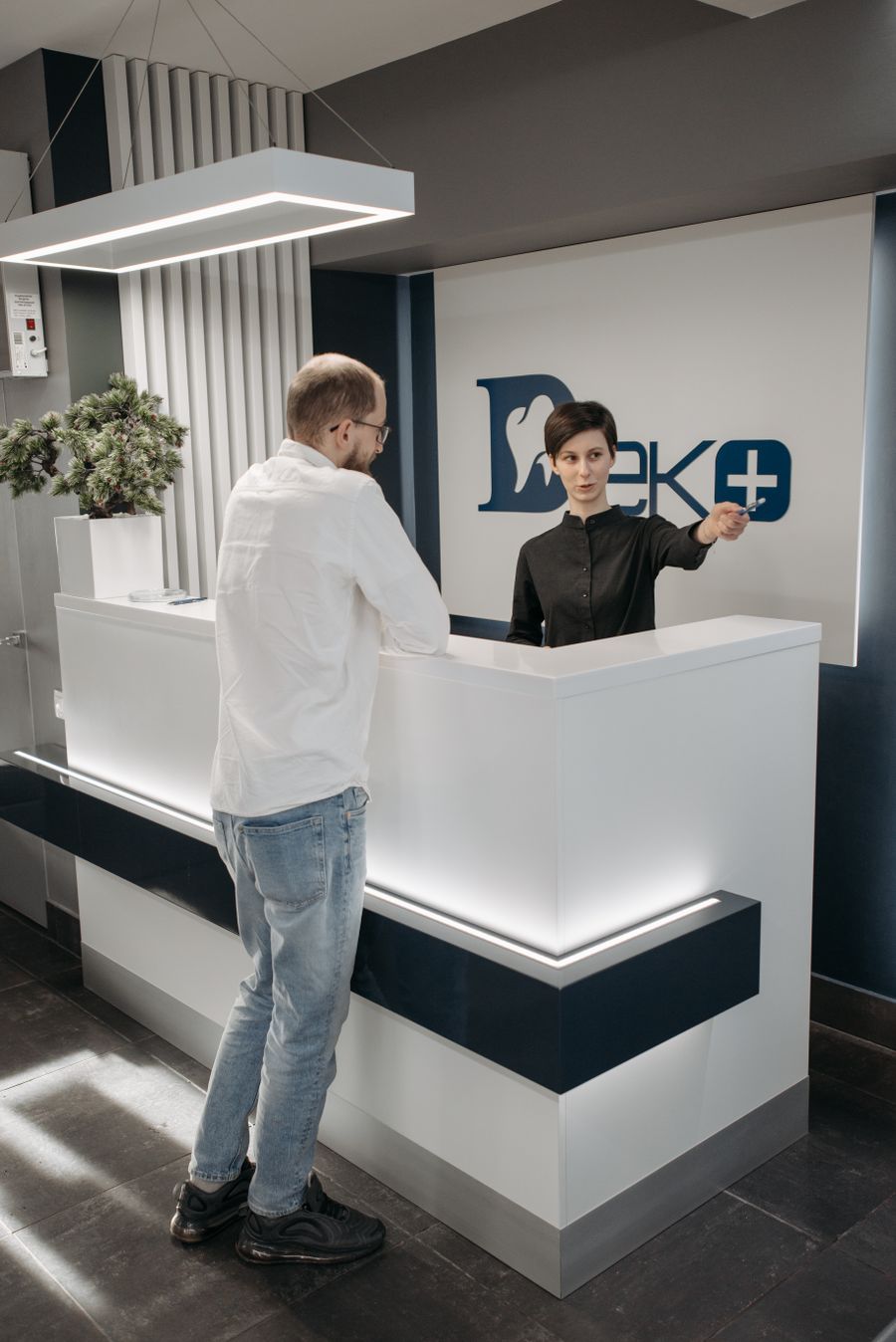



Booked any hour in a few taps
Customers see your real availability and book in a few taps, day or night, without a phone call.
- Live availability from your calendar
- Works on any phone
- Your services, staff and times


Talk it through with the people who would build it
A free call with the FirmAdapt team. Bring your questions and the tools you use today.

Reminder: your massage is tomorrow at 11:00. Reply C to cancel.
See you then!

Slot freed9:02
Sat 11:00 cancelledOffered to waitlist9:02
3 peopleSlot filled9:10
Ana, bookedDeposits that make people turn up
Take a deposit at booking if you want one, so last-minute no-shows don't cost you the slot.
- Deposit amount you choose
- Card payment at booking
- Cancellation terms shown up front
Reminder sent18:00
14 appointments tomorrowRescheduled17:42
Tom, Tue to ThuConfirmed17:30
Maria, 9:30Reminders by text and email
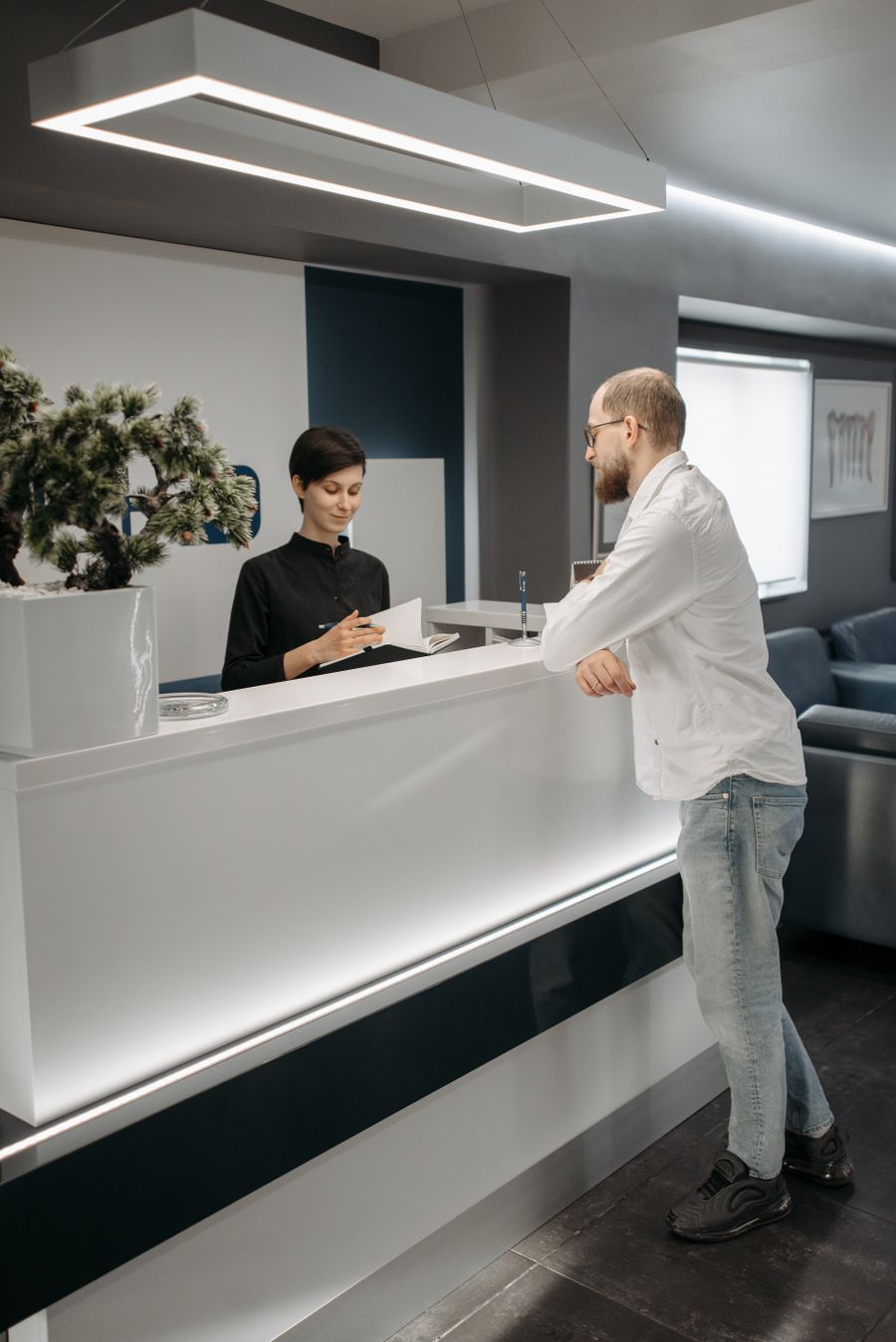
Confirmations and reminders go out ahead of each appointment, so fewer people forget.
- Confirmation at booking
- Reminders before the day
- Easy reschedule links
Slot fillednow
From the waitlistCancelled slots offered to the waitlist
When someone cancels, the slot goes to the next person on your waitlist, so your calendar stays full.
- Waitlist offered automatically
- First to accept gets the slot
- Fewer gaps in the day
What it looks like in your business
Fewer no-shows and a fuller calendar

Deposits and reminders keep appointments, and cancellations go to the waitlist.



How we set up your online booking
Show us how it works today
On a call, we look at how bookings come in today, your no-show rate and how your calendar is run.
We set up booking, deposits and reminders
Your services, staff, hours and deposit rules go into a booking page connected to your calendar.
New booking22:14
Online, 22:14Reminders sent18:00
14 for tomorrowWaitlist filled9:10
Sat 11:00Bookings come in, gaps get filled
Customers book themselves, reminders go out and the waitlist fills cancellations.
Questions & answers
How do I let clients book online and see my real availability?
Your booking page reads your live calendar, so customers only see times that are actually free.
How do you take a deposit at booking?
A card deposit can be taken when the booking is made, with your cancellation terms shown up front.
Can it text clients a reminder the day before?
Yes. Confirmations and reminders go out by text and email on the schedule you choose.
What happens when someone cancels?
The slot is offered to the next person on your waitlist, and the first to accept takes it.
Will it work for a practice with several practitioners?
Yes. Each practitioner's services and hours are set up, and customers can choose who they see.
See how online booking would work for your business
Tell us where to send it and we'll record a short video demo for your business.