








Work instructions in manufacturing have been paper documents or screen-based PDFs for decades. For simple tasks, they work fine. For complex assemblies with dozens of steps, multiple fastener types, specific torque values, and routing of cables or hoses, flat documents are a poor way to convey three-dimensional assembly information. Workers spend time interpreting drawings, looking up specifications, and mentally mapping 2D instructions to 3D reality.
Augmented reality (AR) work instructions project the information directly onto the work in progress, showing the operator exactly what to do, where to do it, and how. AI makes these systems practical by handling the variability of real-world manufacturing environments.
How AR Work Instructions Work
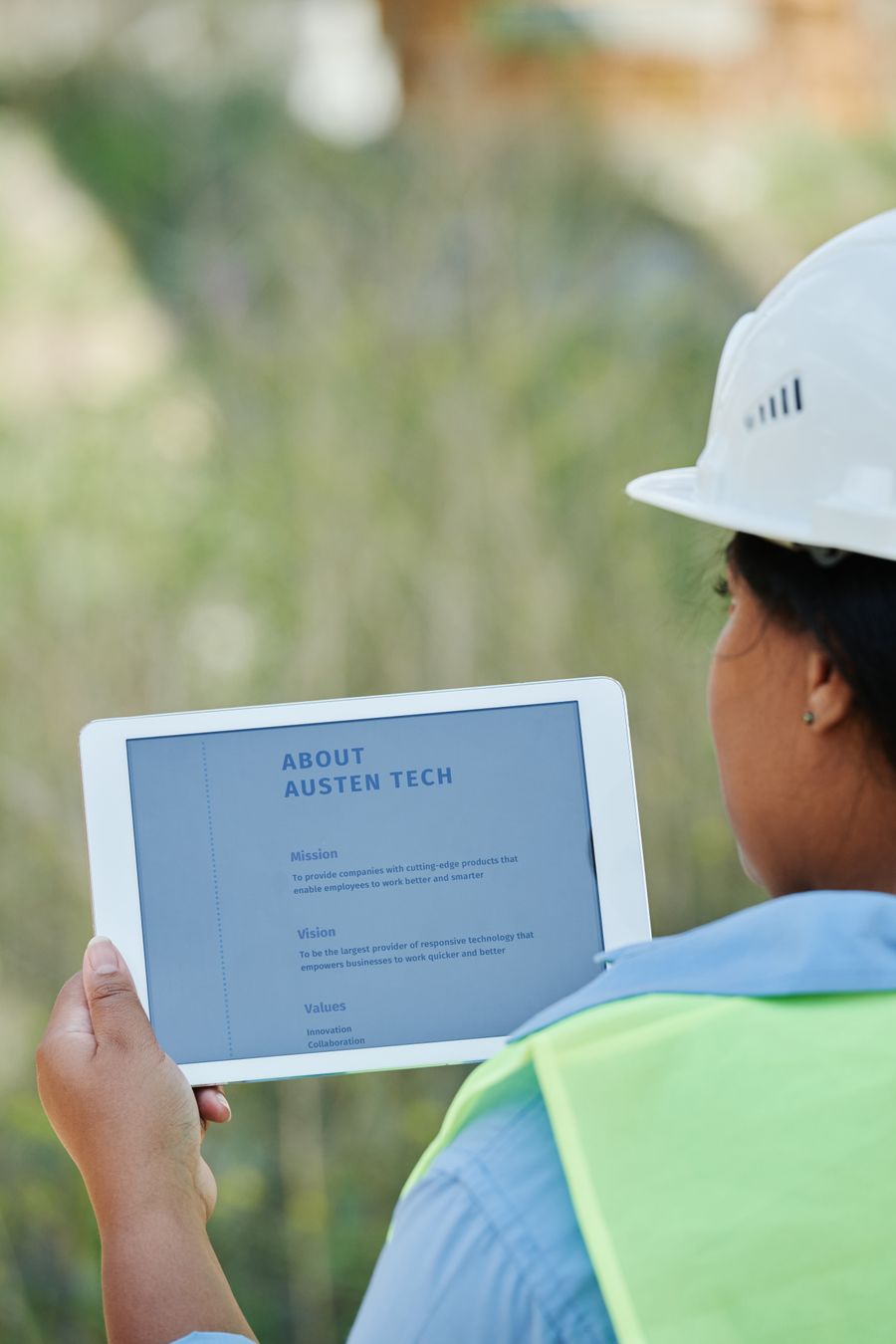
AR work instruction systems use a head-mounted display, tablet, or projected display to overlay visual guidance on the actual workpiece. The operator sees the physical assembly with digital annotations showing the next component to install, its exact position and orientation, the fastener type and torque value, and any special handling or quality check requirements.
The system tracks the workpiece position and orientation in real time, keeping the overlays aligned as the operator moves or rotates the assembly. It also tracks task completion, advancing to the next step when the current step is done.
Where AI Fits In
AI makes AR work instructions practical in several ways. Object recognition identifies the workpiece and its current state of assembly, automatically loading the correct instructions and starting at the right step. This eliminates the need for operators to manually select the product, variant, and step.
Quality verification uses computer vision to check each step as it is completed. Did the operator install the correct component? Is it in the right orientation? Are all fasteners present? This real-time checking catches errors immediately rather than at end-of-line inspection.
Adaptive difficulty adjusts the level of detail based on the operator experience. A new operator gets detailed animations showing every hand movement. An experienced operator gets abbreviated cues that serve as reminders without slowing them down. The AI tracks each operator skill level and adjusts automatically.
Impact on Training and Quality
The training impact is substantial. New operators become productive much faster because they do not need to memorize procedures before starting work. They learn by doing, with the AR system guiding them through each step. Error rates for new operators drop dramatically compared to paper-based training.
Quality improves across all operators because the system enforces the correct sequence, verifies each step, and prevents common errors like skipped operations or incorrect component selection. For regulated industries where documented evidence of procedure compliance is required, the system automatically generates the compliance records.
Practical Considerations
Current AR hardware has limitations. Head-mounted displays can be uncomfortable for all-day wear. Tablet-based systems require one hand to hold the tablet. Projected systems need controlled lighting. The technology is improving rapidly, and the current generation is practical for tasks with cycle times of minutes rather than seconds, where the guidance value outweighs the hardware constraints.
For more on AI-assisted manufacturing operations, visit the FirmAdapt manufacturing analysis page.